To verify if your local books are correct, WebICE can be used for comparison.
First of all, you need to configure portfolio items in WebICE:
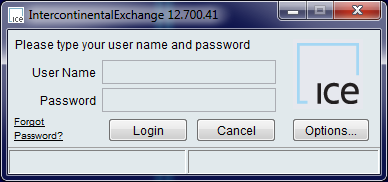
- Launch WebICE and enter your username and password:
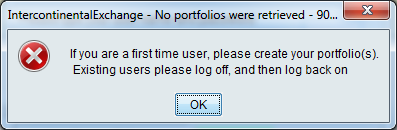
- Skip warning if this is the first time you enter:
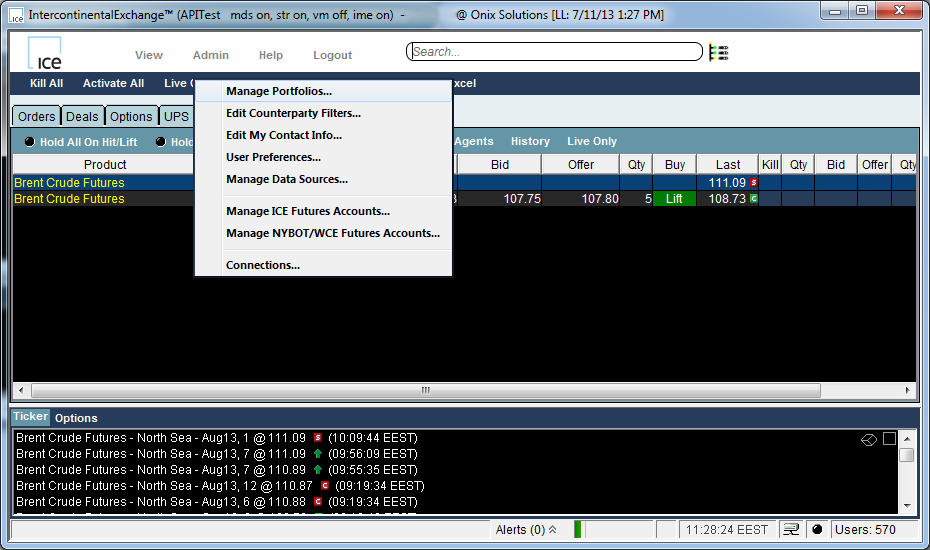
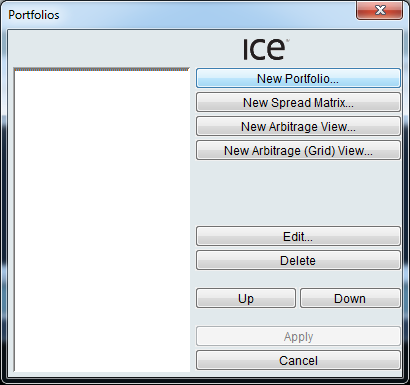
- Go to "Admin" -> "Manage Portfolios...":
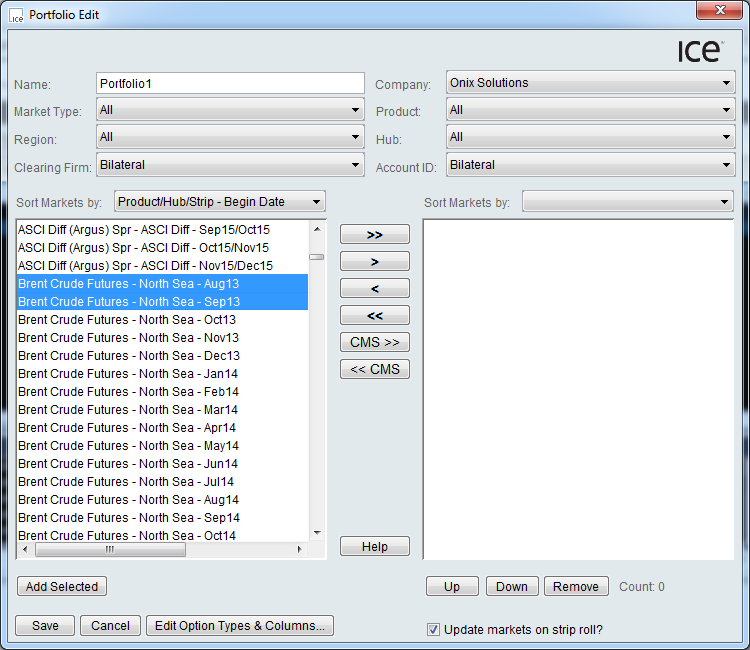
- Select the markets of interest and hit "\>":
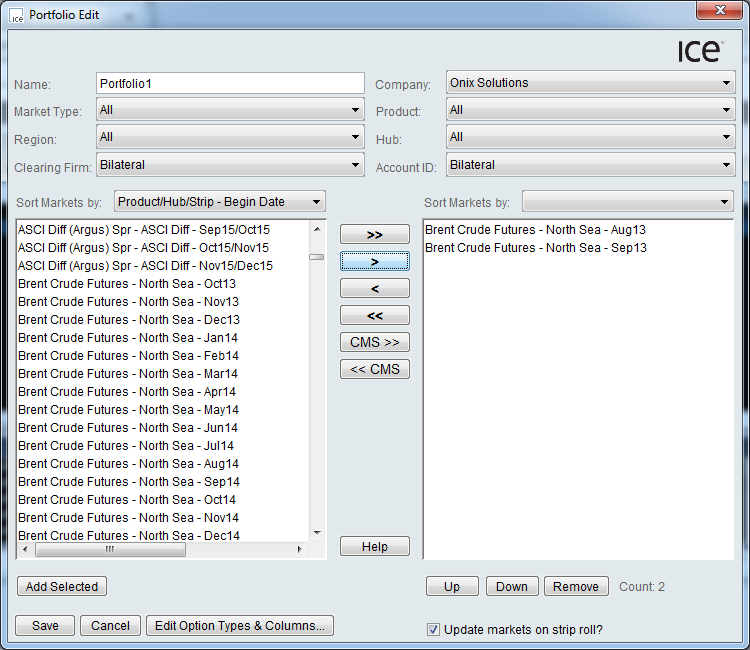
- The selected items will appear in the list on the right. Now click "Save" to save the portfolio:
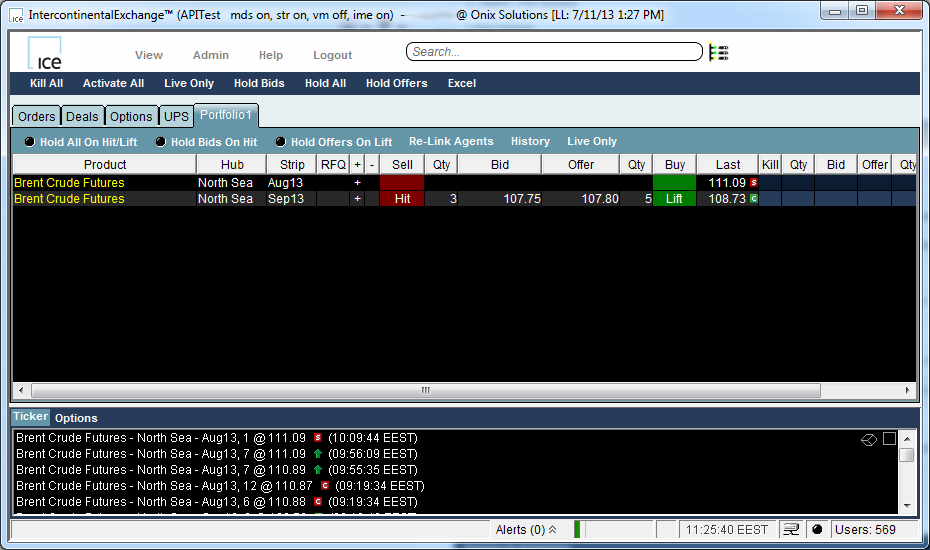
- After all actions, you should see your portfolio items on the main screen:
When the WebICE portfolio is ready, you can run our LocalBookVerification sample and compare the local order book with the WebICE book.